Refactoring for Clarity: Lessons Learned from Cleaning Up Code
Refactoring code can sometimes feel like a chore, but it’s one of the most rewarding aspects of development.
Recently, I revisited code on this website and stripped away unnecessary styling and complexity.
The result? A cleaner, more maintainable codebase that’s easier to work with.
Why Refactoring Matters
Codebases naturally accumulate “cruft” over time.
It could be overly complex logic, unnecessary styling, or redundant libraries.
Taking the time to refactor is more than a best practice—it’s an investment in the long-term health of your project.
When you refactor, you’re optimizing for the future: for yourself, for your team, and for anyone else who interacts with your code.
1. Simplify for Readability
One of the main goals of refactoring React code is to make the code easier to read.
For example, I removed unnecessary classes like shadow-lg, rounded-lg, and transform from a component. (Learn about shadows and rounded corners in TailwindCSS)
A simple design allows developers to focus on what’s important without distractions.
2. Avoid Over-Engineering
Sometimes we add abstractions that feel clever but are ultimately overkill.
During the cleanup, I noticed parts of the code that included excessive animations and transitions. These weren’t adding value.
Refactoring Guru explains this well: refactoring should reduce complexity while maintaining or improving functionality.
3. Stay Consistent
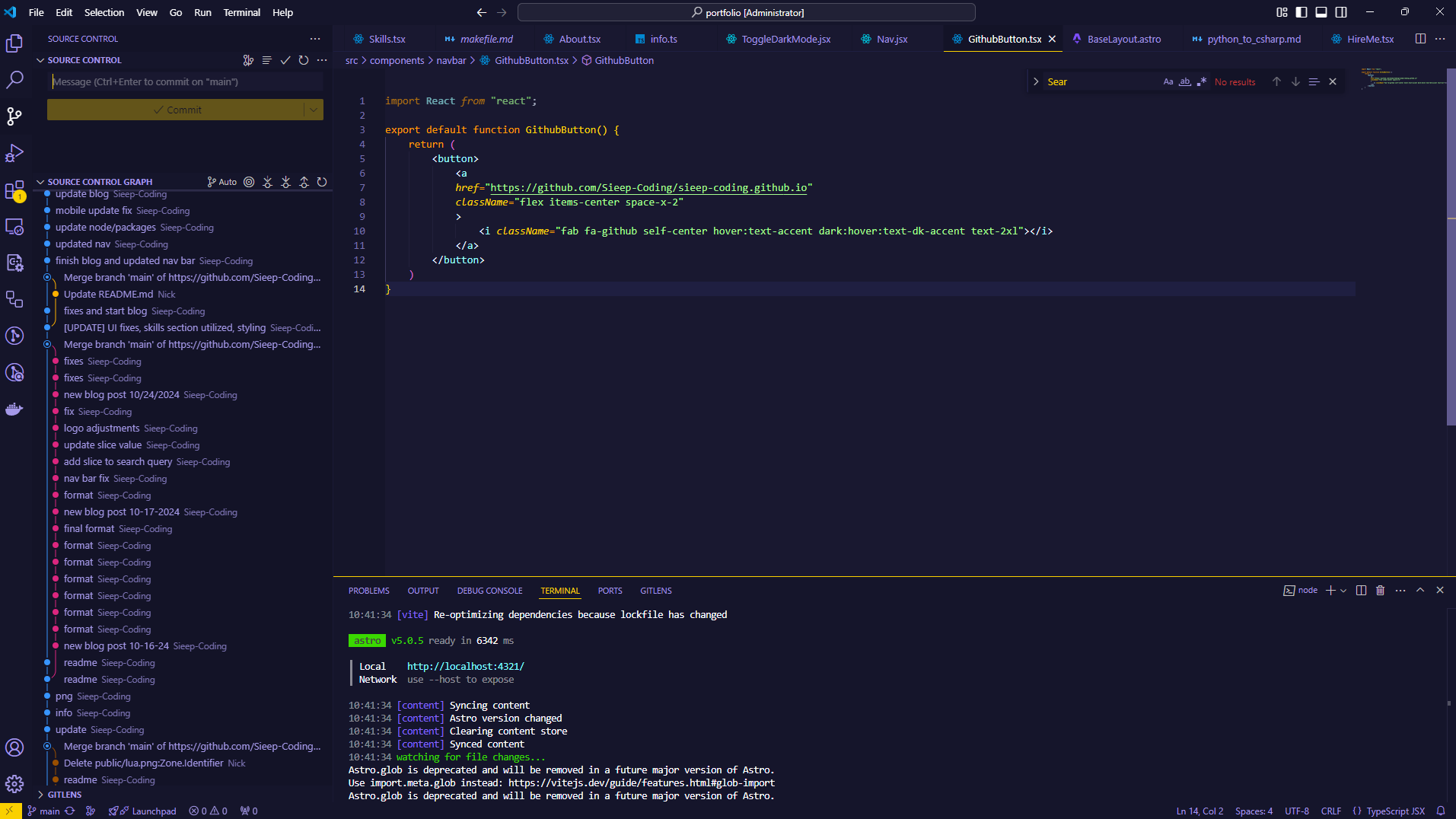
One unexpected challenge was case sensitivity in file imports. Small inconsistencies like GitHubButton.tsx vs. GithubButton.tsx caused errors in some environments.
It still ran but VS Code was not happy with me!
Refactoring gave me the opportunity to standardize naming conventions across the project.
Consistency is one of the hallmarks of a professional codebase. It makes everything from debugging to onboarding significantly easier.
Here I refactored the button linking to the github repo into a seperate file:
import React from "react";

export default function GithubButton() {
    return (
        <button>
            <a
            href="https://github.com/Sieep-Coding/sieep-coding.github.io"
            className="flex items-center space-x-2"
            >
                <i className="fab fa-github self-center hover:text-accent dark:hover:text-dk-accent text-2xl"></i>
            </a>
        </button>
    )
}
Then I can use it elsewhere in a straightforward manner:
...
<li className="p-4 flex flex-row items-center justify-evenly">
    <ToggleDarkMode />
    <Search posts={posts} />
    <GithubButton /> // Using refactored code here!
</li>
...
Conclusion
Refactoring isn’t just about making the code prettier—it’s about making it work better.
So, the next time you’re looking at your code and thinking, “This works, why bother?”—remember this:
refactoring isn’t a chore; it’s a craft.