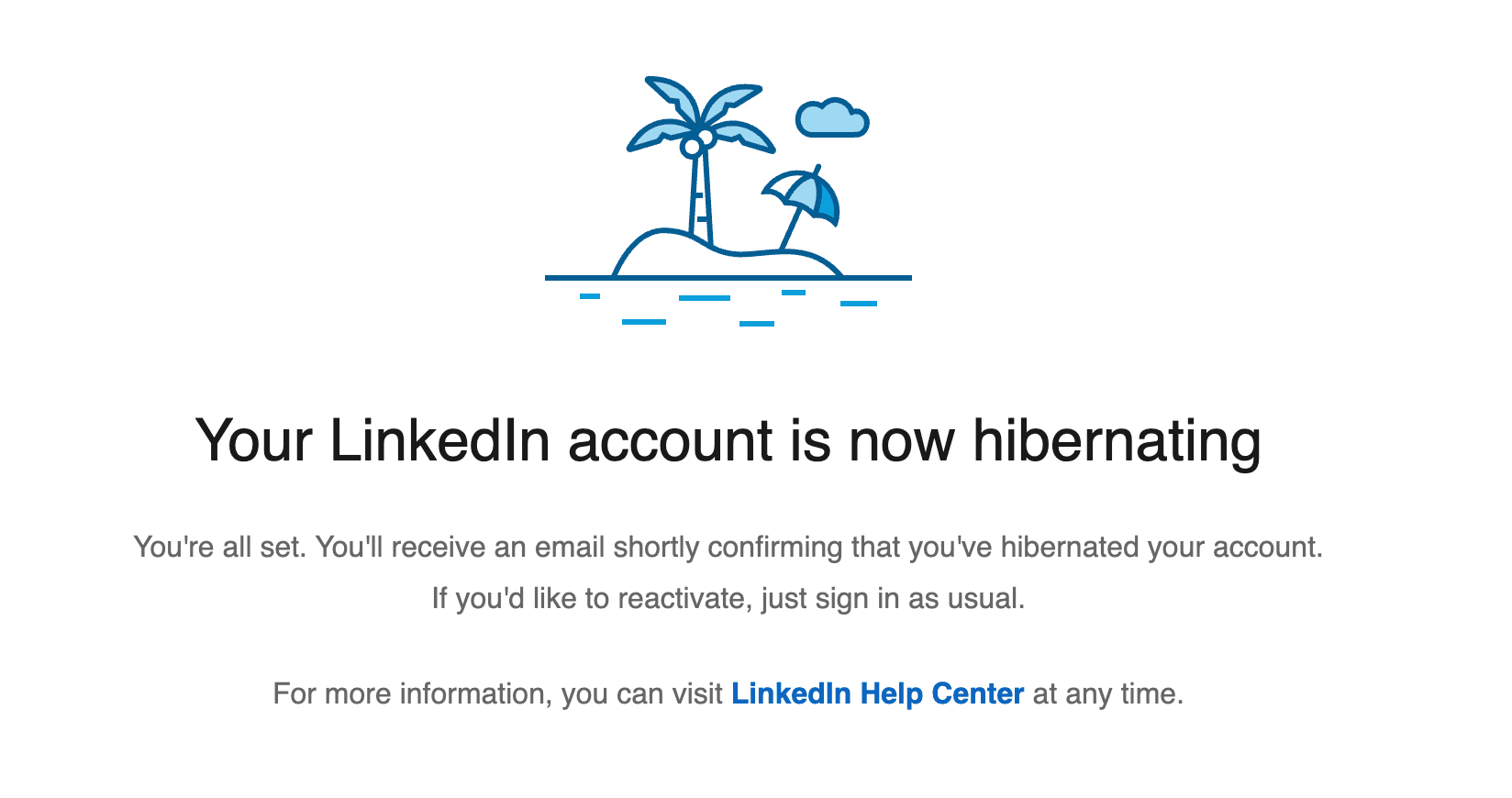
How to Hibernate Your LinkedIn Account
Introduction
LinkedIn is a piece of hot garbage and full of vanity, but we need it from time to time when looking for a job.
Luckily, LinkedIn offers a “Hibernation” feature that allows you to step away while keeping your profile, connections, and content intact for a future return.
This guide covers what happens when you hibernate your account and how to execute the process.

What Happens During Hibernation?
When you choose to hibernate your account, LinkedIn effectively hides your presence from the platform.
- Profile Visibility: Your profile becomes invisible to everyone, including your connections.
- Search: You will no longer appear in search results, including professional tools like LinkedIn Recruiter.
- Engagement: Your previous posts, comments, and recommendations will remain, but your name will be replaced by “A LinkedIn member.” If you had a profile photo, it will be replaced by a generic icon.
- Messages: Existing message threads will persist, but you will be identified as “A LinkedIn member.”
Important Note: You must wait at least 24 hours after hibernating your account before you can attempt to reactivate it.
How to Hibernate Your Account
Before proceeding, ensure you have addressed any outstanding administrative tasks (such as paying balances or reassigning group admin roles).
- Navigate to Settings: Click your profile photo at the top of your LinkedIn homepage and select Settings & Privacy.
- Access Management: Select Account management from the menu.
- Hibernate: Click on Hibernate account.
- Reasoning: Select the option that best describes why you are choosing to hibernate.
- Finalize: Enter your password and click the Hibernate account button.
Note: If you have a Premium subscription, it will be canceled immediately. If you pay through Apple, ensure you also cancel the subscription within your Apple settings to prevent future billing.
Reactivating Your Account
Pro tip: Only reactivate your account once you are job searching.
When you are ready to return to the platform:
- Log In: Wait at least 24 hours after the initial hibernation.
- Credentials: Sign in using your standard email and password.
- Restoration: Your profile will be restored.
Expect a slight delay: Upon reactivation, you might notice temporary discrepancies in your connection or follower counts. This is normal and typically resolves itself within 48 hours.

Source: LinkedIn